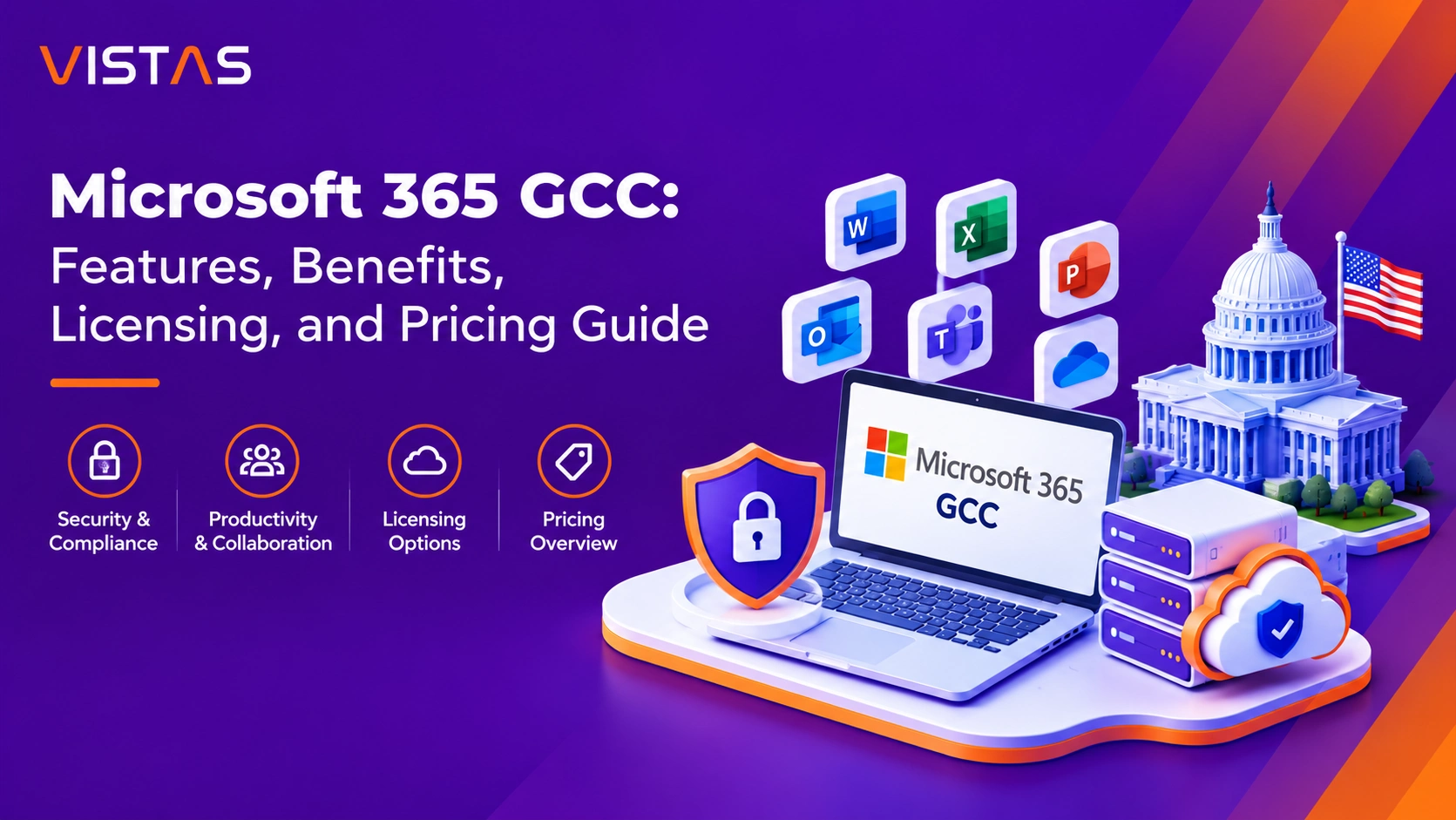
Microsoft 365 Government Community Cloud: Features, Benefits, Licensing, and Pricing Guide
If you work for a federal, state or local agency, you’ve probably heard of Microsoft 365 Government Community Cloud.
Maybe you’re a contractor getting ready for CMMC. Maybe you are a city or county looking to update a dated IT setup and don’t want to create a compliance nightmare. In either case the same question seems to come up fairly quickly.
Do we need standard Microsoft 365, or do we need Government Community Cloud?
No, this is frankly not a small licensing decision. It can impact your security model, your compliance path, your budget and even your ability to bid on future contracts.
What Is Microsoft 365 Government Community Cloud?
Microsoft 365 Government Community Cloud (abbreviated as Government Community Cloud) refers to an edition of Microsoft 365 developed specifically for use by certain U.S. government agencies and their respective contractors.
- Outlook
- Word
- Excel
- PowerPoint
- Microsoft Teams
- SharePoint
- OneDrive
The experience seems familiar at first glance. The actual difference is background.
Government Community Cloud was built to meet the data residency, security and compliance requirements that come with government work. Those requirements are not unusual edge cases here. They are the point of the environment.
Key characteristics include:
- U.S.-based data residency
- Logical separation from commercial Microsoft 365 environments
- Access controls for screened Microsoft personnel
- Security and compliance capabilities for the government
- Support for regulatory frameworks such as FedRAMP, NIST, CJIS, and CMMC
A simple way to look at it: commercial Microsoft 365 suits most businesses. Government Community Cloud is for organizations that require more stringent rules around government related data and where it lives and who can access it.
Who Is Eligible for Microsoft 365 Government Community Cloud?
Government Community Cloud is not an open catalog item. An organization has to qualify before it can buy licenses.
Microsoft reviews eligibility first, then grants access to the government cloud environment.
Organizations commonly approved include:
Federal Agencies
Federal departments and agencies providing government programs, services and information.
State and Local Governments
Cities, counties, municipalities, public safety departments, and other government entities.
Government Contractors
This is where many organizations start paying attention.
Should your company operate with federal bodies, work with regulated data, or have contracts with DoD, you will want to consider whether Government Community Cloud is an important element of your compliance approach.
Tribal and Territorial Governments
Eligible tribal nations and territorial agencies can also purchase Government Community Cloud licensing.
Other Qualified Organizations
In certain cases, institutions that support government operations may qualify if they meet Microsoft’s requirements.
Here’s the thing: Check eligibility before you plan the migration. It sounds obvious, but teams sometimes spend weeks comparing licenses and designing a move, only to find that a different government cloud is the better fit.
Why Organizations Choose Government Community Cloud
Why do organizations choose Government Community Cloud? The short answer is security and compliance.
Security and compliance.
That is the headline, at least. The day-to-day value goes further.
But agencies and contractors still need people to collaborate, share files, support remote staff, and retire costly legacy systems. Government Community Cloud provides them with modern Microsoft 365 tools, not government requirements as an afterthought.
The benefits tend to fall into four major categories.
1. Stronger Protection for Sensitive Information
Government organizations face constant threats:
- Phishing attacks
- Ransomware
- Credential theft
- Insider threats
- Data leakage
Government Community Cloud offers security features that enable teams to discover these threats early, prevent them from occurring, and address any that slip through.
One platform to protect identities, devices, email, applications and data for administrators.
2. Support for Regulatory Requirements
Many organizations pursuing:
- NIST 800-171
- FedRAMP
- CJIS
- CMMC
find that Government Community Cloud provides the foundation needed to implement relevant controls.
A quick reality check, though.
The mere purchase of the Government Community Cloud does not guarantee compliance. Technology is essential, but there is also need for procedures and documentation as well as enforcement mechanisms post implementation.
The platform gives you a strong foundation. Your team still has to build on it.
3. Better Collaboration
Government employees expect the same modern experience that private-sector workers enjoy.
Teams meetings. Shared files. Real-time co-authoring. Mobile access.
Government Community Cloud delivers these capabilities while maintaining appropriate security controls.
4. Simplified IT Management
Managing hundreds or thousands of users across multiple offices is difficult enough.
Government Community Cloud allows IT teams to manage:
- Users
- Devices
- Applications
- Security policies
- Compliance settings
from a unified Microsoft environment.
Key Features of Microsoft 365 Government Community Cloud
Microsoft 365 Productivity Applications
People will not have to learn to work again. They receive the Microsoft applications that they know how to use in an environment that meets government specifications.
Depending on licensing, organizations can use:
- Outlook and Exchange Online
- Word
- Excel
- PowerPoint
- SharePoint Online
- OneDrive
- Web and mobile Microsoft 365 apps
The goal is simple. Let employees stay productive without sacrificing security.
Microsoft Teams
Teams has become the communication hub for many government organizations.
Common use cases include:
- Video meetings
- Instant messaging
- Internal collaboration
- Secure document sharing
- Cross-department communication
Regardless of whether workers operate in the office, from home, or out in the field, Teams can help facilitate information flow.
Identity and Access Management
The alarming thing is that many attacks have been known to begin from just one account breach. This explains why identity security should be given much importance.
That’s why identity security matters so much.
Microsoft Entra ID provides capabilities such as:
- Multifactor Authentication (MFA)
- Conditional Access
- Identity Protection
- Privileged Access Management
- User and group controls
These tools assist in ensuring that the right individuals have the right access to the right resources.
Microsoft Defender Security
Defenders cannot defend what they cannot see. Defender aids in collecting the signals from all over the environment so that they can correlate any activity.
Depending on licensing, Microsoft Defender capabilities may include:
- Email protection
- Anti-phishing controls
- Endpoint detection and response
- Identity threat detection
- Security monitoring
- Automated response workflows
For organizations handling sensitive government data, these capabilities can make a substantial difference.
Microsoft Purview Compliance Tools
Cybersecurity gets most of the attention, but protecting the data itself is just as important. Sometimes it is the harder part.
Microsoft Purview helps organizations:
- Prevent data loss
- Classify sensitive information
- Apply retention policies
- Conduct eDiscovery
- Review audit logs
- Manage insider risk
Many organizations pursuing CMMC or NIST initiatives spend considerable time configuring these features properly.
Microsoft Intune Device Management
Not every security risk comes from email.
Laptops, mobile phones, and tablets represent major attack surfaces.
Intune helps organizations:
- Manage company devices
- Enforce security standards
- Deploy applications
- Control access
- Protect corporate data
For hybrid work environments, this becomes especially valuable.
Microsoft 365 Government Community Cloud Licensing Options
Government Community Cloud licenses do not fit all people. This is why there are various types of licenses offered by Microsoft since a field worker, an office worker, and an investigator have different requirements.
Office 365 G1 Government Community Cloud
Ideal for: Workers who require mostly web-based tools for communication and collaboration.
Includes:
- Exchange Online
- SharePoint
- OneDrive
- Web productivity apps
- Core collaboration capabilities
Annual Cost
$120 per user
Microsoft 365 F3 Government Community Cloud
Best for: Frontline workers and field personnel.
Includes:
- Web and mobile applications
- Teams collaboration
- Microsoft Intune
- Identity management
- Core security capabilities
Annual Cost
$105.60 per user
Microsoft 365 G3 Government Community Cloud
G3 becomes the realistic option for many government contractors, as it does not go directly to the top but takes care of the productivity suite, device management, and basic security.
Best for: Companies that require desktop applications, device management, and basic security.
- Desktop Office apps
- Exchange Online
- SharePoint
- OneDrive
- Microsoft Intune
- Entra ID Plan 1
- Windows Enterprise benefits
Annual Cost
$468 per user
Microsoft 365 G5 Government Community Cloud
The G5 is built upon the foundation of the G3, and it further includes all those security and compliance features that become relevant once the level of sensitivity of data increases.
Best for: Sensitive and regulated data.
Additional features include:
- Advanced Microsoft Defender capabilities
- Entra ID Plan 2
- Enhanced auditing
- Insider Risk Management
- Advanced eDiscovery
- Expanded Microsoft Purview capabilities
Annual Cost
$684 per user
Microsoft 365 G7 Government Community Cloud
G7 not only exceeds the standard package of productivity and security but also caters to companies that seek AI-enabled processes while maintaining complete control of identity, data, and access using government-level security standards.
It combines advanced Microsoft 365 capabilities with:
- Microsoft 365 Copilot
- Microsoft Agent capabilities
- Microsoft Entra Suite
Best for: Organizations interested in AI-powered productivity while maintaining strong governance and security controls.
Pricing
Contact Vistas Cloud for pricing and availability.
Microsoft Defender Suite Government Community Cloud
For organizations that need stronger security without upgrading every user to a higher license.
Capabilities may include enhanced:
- Endpoint security
- Identity protection
- Email security
- Threat detection
Pricing
Contact Vistas Cloud
Microsoft Purview Suite Government Community Cloud
Designed for organizations with advanced compliance requirements.
Capabilities may include:
- Advanced eDiscovery
- Insider Risk Management
- Data governance
- Information protection
- Enhanced auditing
Pricing
Contact Vistas Cloud
Microsoft 365 Government Community Cloud Pricing Comparison (2026)
| Plan | Annual Price Per User |
| Office 365 G1 GCC | $120.00 |
| Microsoft 365 F3 GCC | $105.60 |
| Microsoft 365 G3 GCC | $468.00 |
| Microsoft 365 G5 GCC | $684.00 |
| Microsoft 365 G7 GCC | Contact for Pricing |
| Microsoft Defender Suite GCC | Contact for Pricing |
| Microsoft Purview Suite GCC | Contact for Pricing |
Pricing depends upon the rate published and may be subject to negotiation based upon eligibility and taxation.
GCC and Compliance: What You Need to Know
FedRAMP
FedRAMP establishes the foundational rules of evaluation and authorization for cloud services that federal government agencies use. The Government Community Cloud environment offers FedRAMP-authorized services from Microsoft, which explains why this platform features prominently in conversations about federal clouds.
Microsoft offers FedRAMP-authorized services within the Government Community Cloud environment.
NIST 800-171
It is common for organizations dealing with CUI to base their security measures on NIST 800-171 standards.
Government Community Cloud provides capabilities that can support:
- Access control
- Authentication
- Audit logging
- Information protection
- Monitoring and reporting
CMMC
Government Community Cloud adoption has become a key motivator for DOD contractors in relation to CMMC.
Numerous security controls needed for CMMC may be addressed by well-configured Microsoft 365 Government Community Cloud instances.
Nevertheless, compliance hinges on implementation, documentation, assessment, and operations..
CJIS
CJIS compliance is one aspect where law enforcement organizations tend to examine Government Community Cloud for. The system has certain security aspects and contractual commitments that might assist organizations in fulfilling the CJIS mandates.
How to Choose the Right GCC License
Don’t start with the list of prices. Start with a few questions, as they will most likely restrict your choice even more than the comparison of the product features.
What regulations apply to your organization?
NIST? CMMC? CJIS? FedRAMP-related requirements?
Compliance will often limit your options for licensing.
What do employees actually need?
Not everyone requires a full G5 license.
Some users only need email and Teams. Some require sophisticated levels of compliance and security.
What security tools do you already own?
Many companies have third-party security solutions that can affect licensing agreements.
Can a mixed-license approach reduce costs?
Indeed, in many cases, yes. With a mixed licensing approach, there is an opportunity to save on expenses considerably as you are allocating the right tools to the right tasks.
How Vistas Cloud Helps Organizations Successfully Adopt Government Community Cloud
Choosing a government cloud is not just a purchasing exercise. The license is just one aspect of the job, but usually not the most difficult aspect.
There is also the need to ascertain eligibility, define the compliance requirements, develop the migration strategy, determine the security controls, and designate the post-go live manager.
Vistas Cloud helps organizations:
- Evaluate Microsoft 365 GCC licensing
- Confirm Government Community Cloud eligibility
- Design migration strategies
- Configure Defender, Intune, Entra ID, and Purview
- Enhance NIST 800-171 & CMMC Readiness efforts
- Reduce cost of licensing
- Provide continued administration & support
We assist organizations, agencies, educational institutions, and government contractors in need of a straightforward plan, rather than one more Excel spreadsheet full of complicated product codes. It is vital because a proper Government Community Cloud design needs to be understandable by those running it.
Ready to Explore Microsoft 365 Government Community Cloud?
For those that are able to use it, Microsoft 365 Government Community Cloud provides the same productivity applications but on a more secure cloud infrastructure.
With proper licensing, organizations can improve their security posture, be contract compliant, and save money on licenses for programs that no one will ever use.
No matter if you are looking at G3, G5, G7, Microsoft Defender Suite, or Microsoft Purview Suite, the best way to start is by doing a licensing and compliance review based on your users, data, and security stack.
Need help selecting the right Microsoft 365 Government Community Cloud plan?
Looking for Microsoft 365 Government Community Cloud licensing, migration, security and compliance? Contact Vistas Cloud for any queries. With comparison, validation and the roadmap that fits your organizational goals, we will help you.
Frequently Asked Questions
What is the difference between Microsoft 365 Government Community Cloud and Government Community Cloud High?
Microsoft 365 Government Community Cloud edition is offered to many government agencies and contractors within the United States Government. However, in cases where there are some organizations which have strict requirements for Controlled Unclassified Information (CUI), ITAR, and Department of Defense workloads, one should use Government Community Cloud High edition.
Does Microsoft 365 Government Community Cloud support CMMC compliance?
Implement a CMMC solution that utilizes Microsoft 365 Government Community Cloud security and compliance capabilities such as identity protection, device management, auditing, information protection, and access controls. Compliance isn’t simply about using Government Community Cloud. Policies, documentation, configuration, training, and assessment readiness are still important.
Can government contractors buy Microsoft 365 Government Community Cloud?
Yes, since Microsoft 365 Government Community Cloud is available for eligible government contractors only after the company verifies that there exists a connection between the business and any government organization or if regulated government data will be processed.
How long does a Microsoft 365 Government Community Cloud migration take?
This will be dependent upon the environmental conditions, the number of users, the volume of data, compliance, and the interdependency of the applications. The smaller and better-prepared organization will probably be able to accomplish this task in phases within a matter of weeks, whereas the large and complicated environment could take months.
Can an organization mix Microsoft 365 Government Community Cloud license plans?
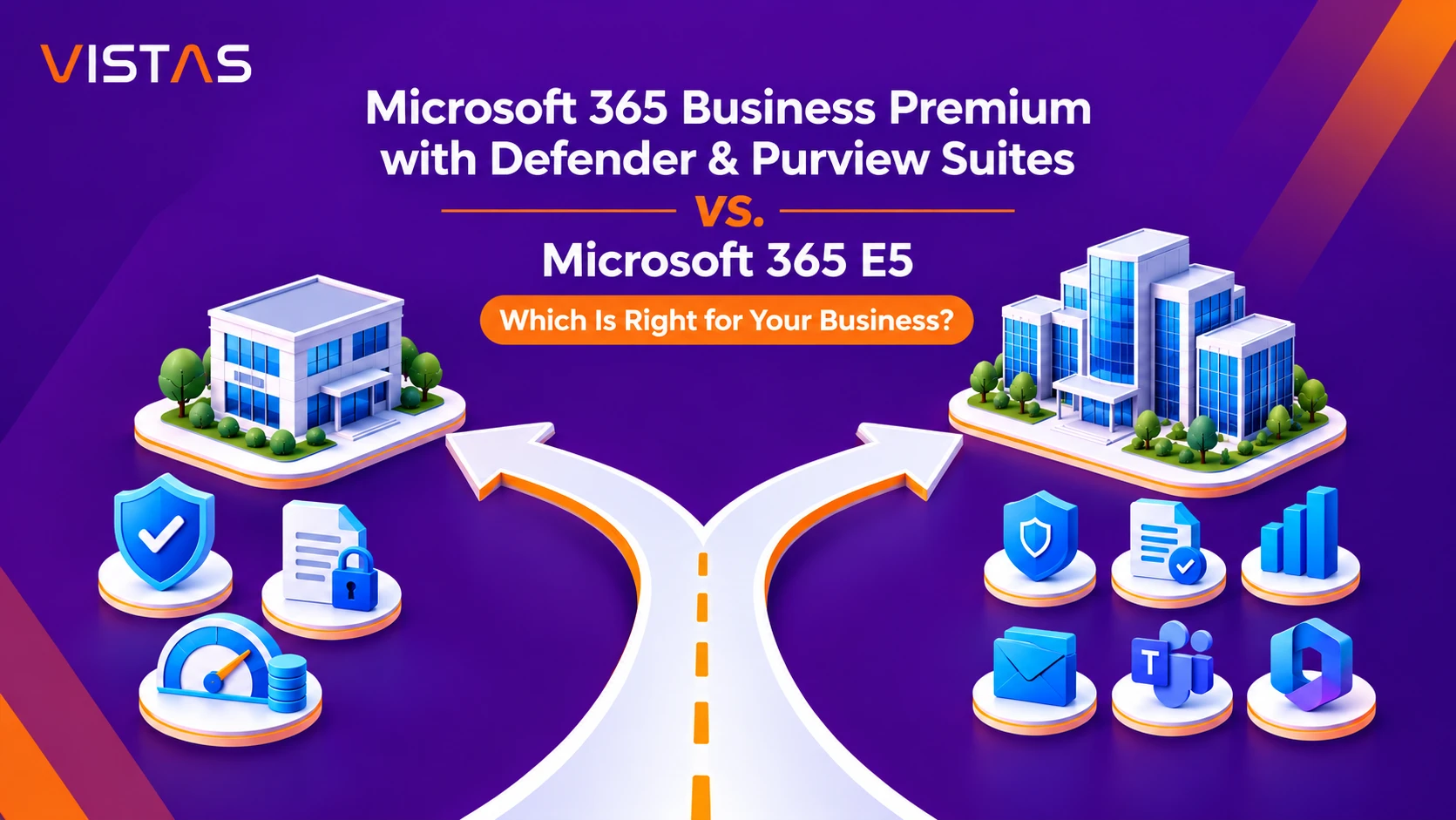
The additional expense for the Microsoft 365 E5 package may be justified for businesses that require the enterprise productivity, analytics, telephony, Windows licensing, and security functionalities. Businesses that are solely interested in security and compliance should also consider the Business Premium with both packages.