
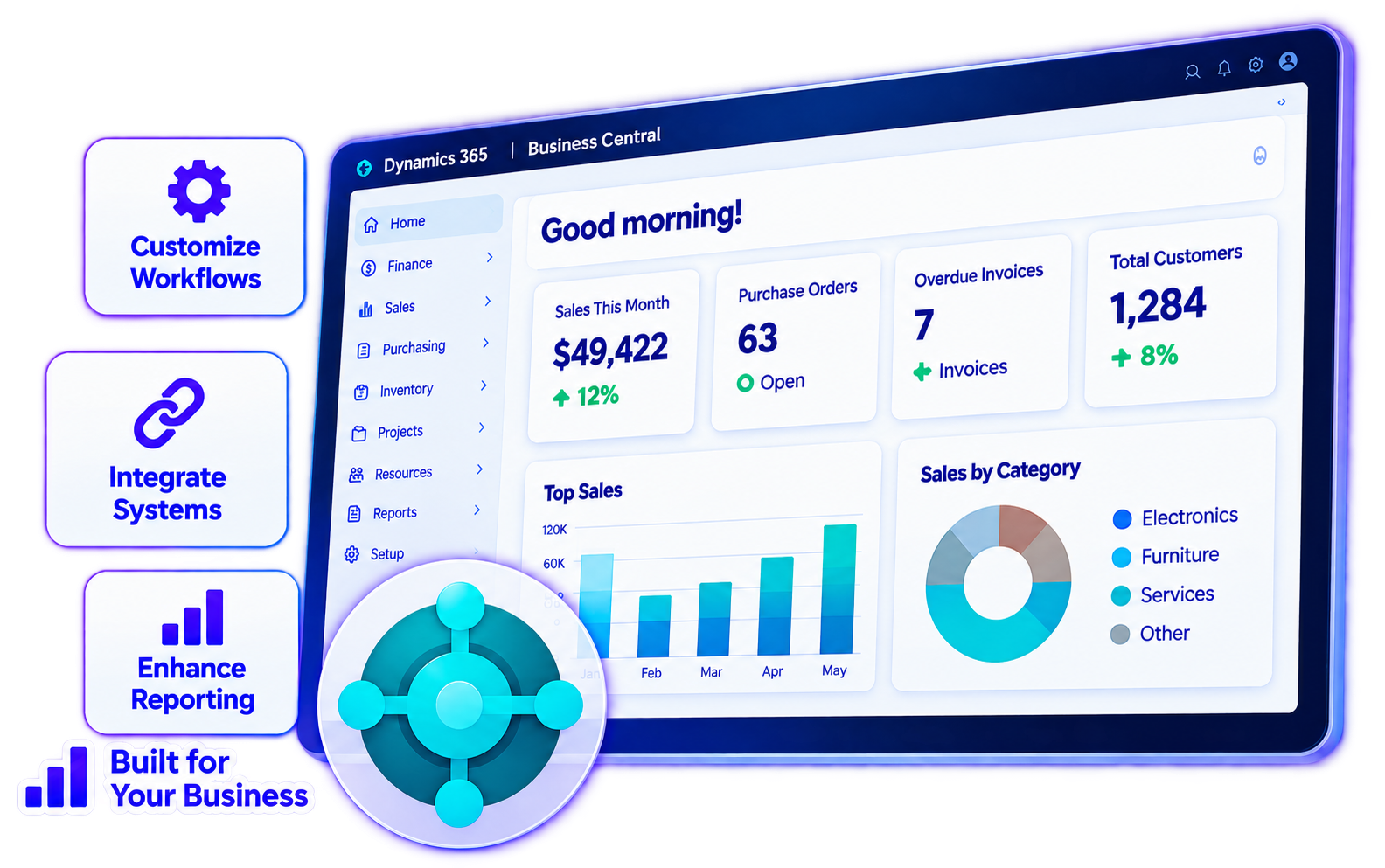

Customize Your Workflows
Add functionality that fits your business processes.

Extend Existing Capabilities
Enhance standard features.

Improve
Efficiency
Reduce manual steps and simplify tasks.

Connect Business Applications
Integrate with other systems and services.

Support Future Growth
Choose solutions you can maintain and evolve.
Bulk Sales Invoice Creation
The fastest way to create multiple sales invoices in one click.
Bulk Purchase Order Creation
The fastest way to create multiple purchase orders in one click.

Bulk Sales Order
Creation
The fastest way to create multiple sales orders in one click.
Bulk Copy Posted Purchase. Invoices
A quick copy tool for copying bulk documents from the Posted Purchase Invoices.
Bulk Copy Open Sales Orders
A quick copy tool for copying bulk documents from the Open Sales Orders.

Bulk Copy Open Sales Invoices
A quick copy tool for copying bulk documents from the Open Sales Invoices.
Bulk Copy Posted Sales Invoice
A quick copy tool for copying bulk documents from the Posted Sales Invoices.
Bulk Copy Open Purchase Invoices
A quick copy tool for copying bulk documents from the Open Purchase Invoices.
Daily Exchange
Rates
The easiest way to get daily exchange rates automatically from your subscribed Exchange Rates website.
Bulk Purchase Invoice Creation
The fastest way to create multiple purchase invoices in one click.
Payment
Notes
A quick and efficient way to create multiple purchase invoices with attachments, saving you time and effort.
Combine PDF Attachment - Sales Invoice List
Easily combine selected PDF attachments for posting and sending invoices directly from the list.
Combine PDF Attachment - Posted Sales Invoices
The easiest way to combine selected PDF attachments for bulk sending posted sales invoice.
Bulk Purchase Invoice Tool for High-Volume Import
Creating a high-volume purchase invoice by importing data from Excel can save a lot of time and reduce errors.

Tailored Functionality
Built for your needs

Process Enhancements
Streamline workflows
Reporting & Data
Additional reporting and data capabilities
Application Connectivity
Integrate with external systems

Maintainable Solutions
Built for long-term support

Connect Business Apps
Link your critical systems
Reduce Manual Entry
Eliminate duplicate work
Improve Data Consistency
Keep information aligned

Workflow Automation
Streamline processes
Assess Requirements
Plan for successful integration


Planning & Assessment
Data Mapping & Preparation
Process Review
Migration Validation

Post-Migration Opportunities

Assess Your GP Environment
Plan Data Migration
Review Customizations
Plan Integrations & Reporting
Prepare for Transition
Microsoft Expertise
Certified Business Central specialists.

Tailored Solutions
Extensions designed for your workflow.
End-to-End Support
End-to-End Support
Business-Focused
Solutions that drive real results.
