
MICROSOFT 365 COPILOT
Microsoft 365 Copilot:
AI That Works for Your Business
VISTAS Cloud helps you plan, deploy, and get the most value from Microsoft 365 Copilot, Copilot Studio, and Copilot for Business.
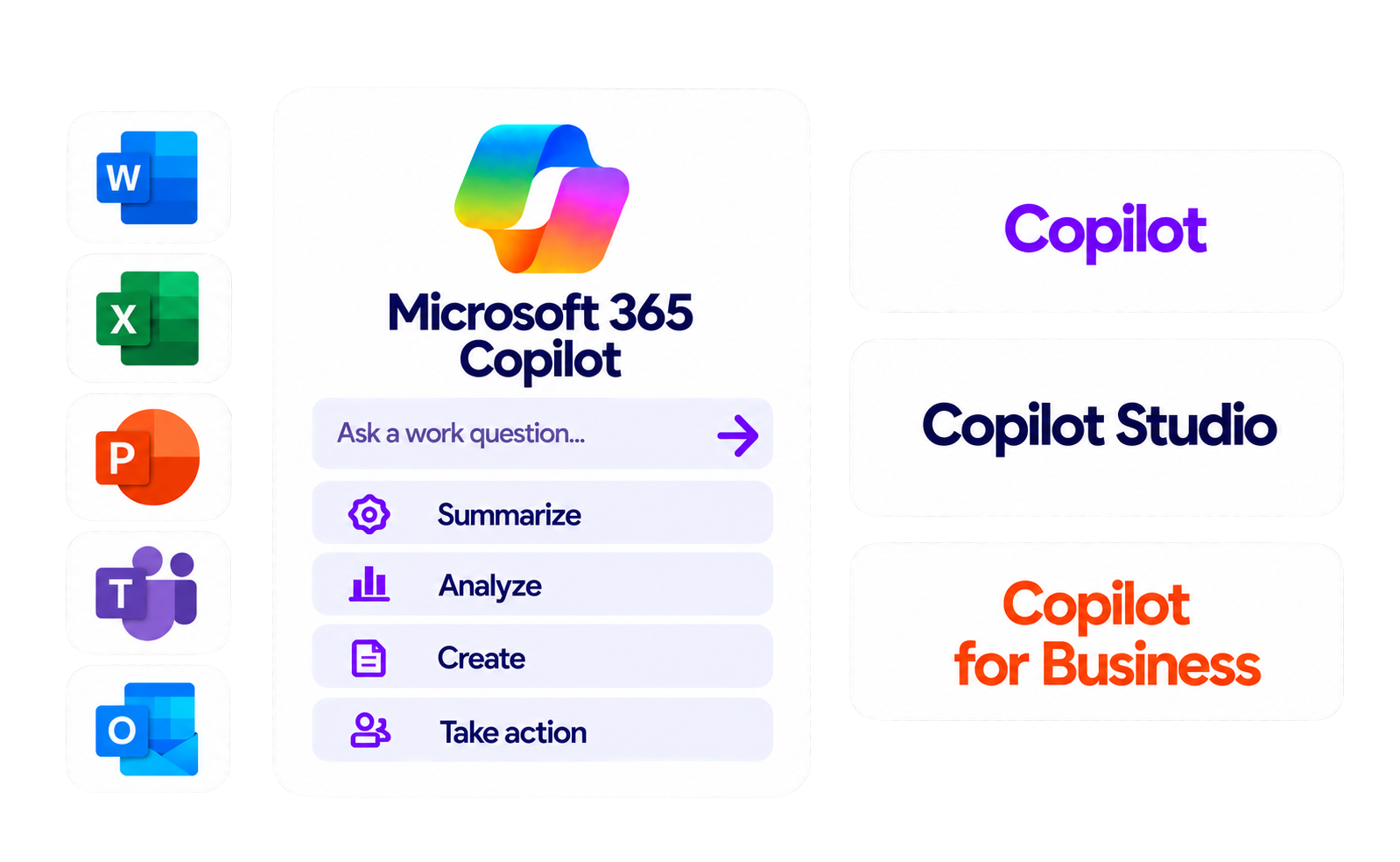
THE POWER OF MICROSOFT COPILOT
Turn everyday work into extraordinary possibilities
Get AI assistance, build custom solutions, and empower your teams — all within the Microsoft 365 ecosystem.

Save time
Reduce repetitive tasks and focus on what matters.

Work better together
Summarize meetings, keep teams aligned, and improve communication.

Get insights faster
Analyze data and turn information into decisions.

Use AI securely
Built on Microsoft 365 security, compliance, and permissions.
MICROSOFT AI SOLUTIONS FOR YOUR BUSINESS
Copilot. Copilot Studio. Copilot for Business.

Microsoft 365 Copilot
AI assistant in the apps your team already uses.
- Work with your content
- Draft, analyze, and summarize
- Across Outlook, Word, Excel, PowerPoint, and Teams

Microsoft Copilot Studio
Build and extend Copilot experiences for your business.
- Create custom Copilots
- Automate business processes
- Connect to your data and systems
Copilot for Business
Use case planning
- Use case planning
- Security and governance
- Training and change management
COPILOT IN YOUR EVERYDAY APPS
AI built into the tools you already use
Outlook
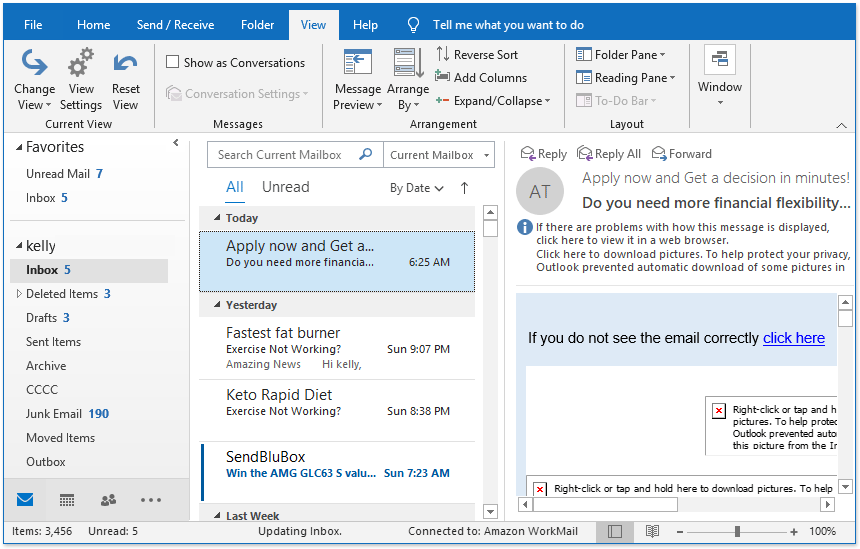
Summarize emails and draft replies.

Word
Write, edit, and refine content.
Excel
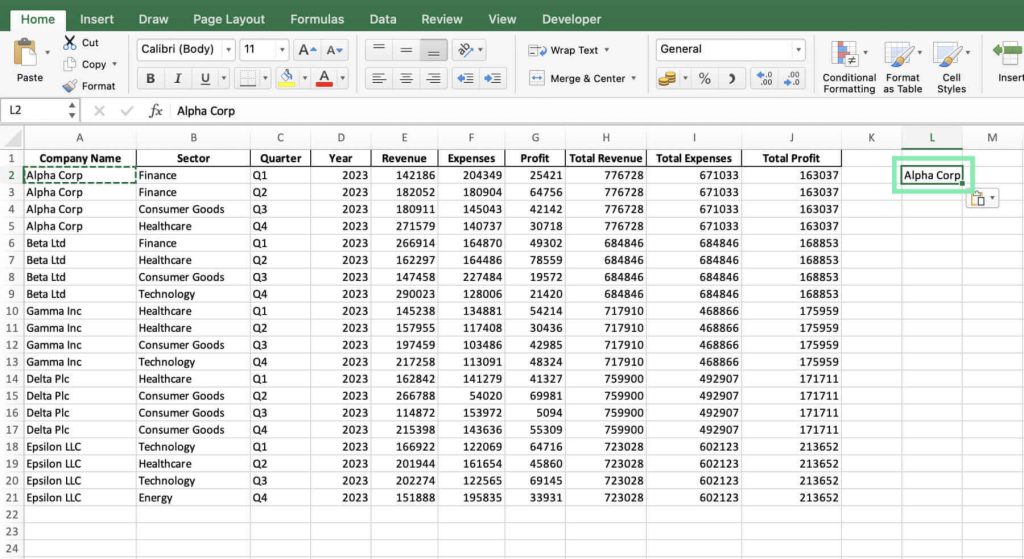
Explore data, find trends, and create insights.
PowerPoint
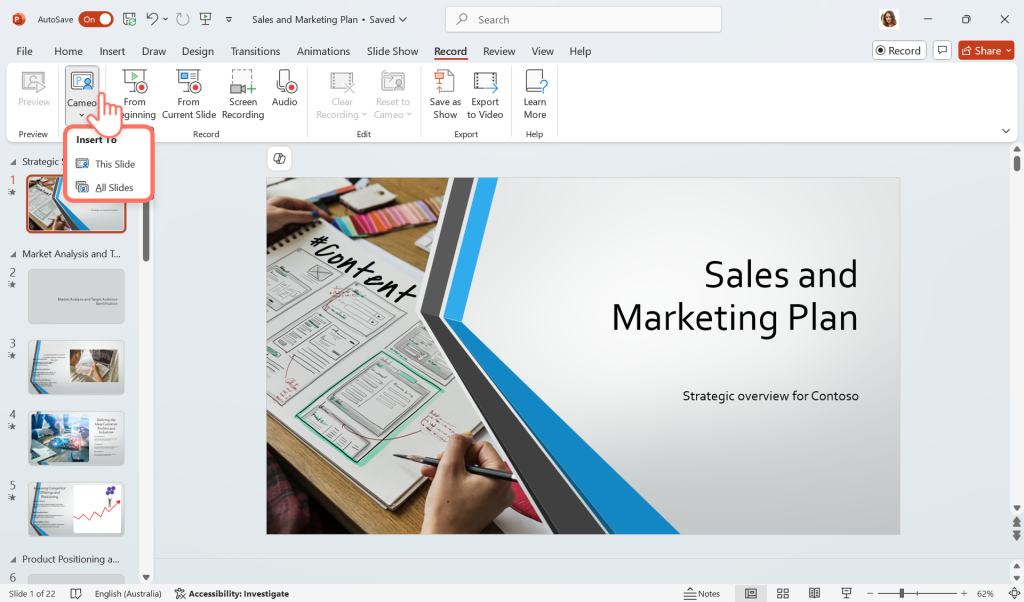
Turn ideas into presentations.

Teams
Capture key points and action items.
OUR MICROSOFT 365 COPILOT SERVICES
From planning to adoption, we’ve got you covered.

Readiness Assessment
Review licensing, security, and technical readiness.

Consulting & Planning
Identify use cases and create a roadmap.

Implementation
Configure, build, and integrate Copilot solutions.

Deployment
Assign licenses, enable features, and validate.
Adoption & Support
Training, change management, and ongoing support.
A TRUSTED MICROSOFT PARTNER
A trusted Microsoft partner
for Copilot success
- Deep Microsoft 365 expertise
- Security-focused approach
- Practical guidance
- Ongoing support

FREQUENTLY ASKED QUESTIONS
Microsoft 365 Copilot FAQs
Microsoft 365 Copilot is an AI-powered assistant that works with supported Microsoft 365 applications to help users draft content, summarize information, analyze data, and streamline everyday tasks. Businesses can use it to improve productivity, support collaboration, and make better use of information. VISTAS Cloud helps organizations assess their needs and plan their Microsoft 365 Copilot implementation.
The Microsoft 365 Copilot price depends on the specific Copilot offering, your existing Microsoft 365 subscription, licensing eligibility, and any additional services your organization needs. Some AI features are included in eligible subscriptions, while others require a separate license. VISTAS Cloud can help you evaluate Microsoft Copilot Licensing options and understand the costs relevant to your business.
Microsoft 365 Copilot for Outlook can help summarize email conversations and draft replies. Microsoft 365 Copilot for Excel can assist with analyzing data and identifying patterns. Microsoft 365 Copilot for PowerPoint can help create presentation drafts and summarize information. Available capabilities depend on your license, application, and configuration.
Microsoft Copilot Studio is a low-code platform for building, customizing, and managing AI-powered agents and workflows. It enables organizations to create AI agents that can answer questions, complete tasks, automate business processes, and connect with organizational data and systems.
With Microsoft Copilot Studio, businesses can create agents using natural language, connect them to apps, websites, files, business data, connectors, and APIs, and publish them across channels such as Microsoft Teams, Microsoft Copilot, websites, and mobile apps.
Copilot Studio is designed for both business users and professional makers because its low-code environment allows organizations to build AI-powered solutions without requiring an extensive technical background, while still supporting more sophisticated logic and integrations.
Copilot for Microsoft 365 refers to Copilot capabilities integrated with supported Microsoft 365 work applications. Microsoft Copilot for Business is a broader term that may be used when exploring business-focused Copilot offerings. The exact features, integrations, and licensing depend on the specific Microsoft product. VISTAS Cloud can help your organization identify an appropriate solution based on its needs.
Not every Microsoft 365 Copilot deployment requires additional storage. However, your organization may need more capacity depending on its existing usage, data growth, and Microsoft 365 services. A Microsoft 365 extra file storage add on may be relevant if your organization approaches its available storage limits. VISTAS Cloud can help assess your current environment and determine whether additional storage is needed.
Microsoft Copilot Consulting Services help businesses identify suitable Copilot use cases, evaluate their Microsoft 365 environment, and plan an approach aligned with their business goals. Depending on the project scope, consulting may include licensing guidance, workflow reviews, security considerations, and adoption planning. VISTAS Cloud helps organizations define priorities before investing in a Copilot rollout.
Microsoft Copilot Implementation Services help organizations prepare their Microsoft 365 environment and introduce Copilot in line with their technical requirements and business objectives. Depending on the agreed scope, services may include configuration reviews, access and permissions checks, deployment planning, and user preparation. Deliverables should be confirmed before implementation begins.
A successful Microsoft 365 Copilot Deployment starts with reviewing licensing eligibility, data access permissions, security settings, and business readiness. A Microsoft Copilot Readiness Assessment can help identify potential gaps before rollout. After deployment, Microsoft Copilot Adoption Services can support employee training, practical use cases, and ongoing improvement to help teams use Copilot effectively.
Microsoft Copilot Studio is a platform for creating, customizing, and managing AI agents that can support business tasks and workflows. Organizations can use it to build agents that answer questions, retrieve information from approved sources, and connect with supported business systems. VISTAS Cloud can help your team explore Copilot Studio use cases, assess readiness, and plan an approach aligned with your business processes, security requirements, and AI strategy.
Microsoft 365 Copilot is designed to work within Microsoft's security, privacy, and compliance framework. Its access to organizational information depends on the user's existing permissions and the organization's configuration. Businesses should review access controls, data protection policies, and governance settings before deployment. VISTAS Cloud can help assess your Microsoft 365 environment and identify areas to review as part of your Copilot readiness and security planning.
VISTAS Cloud helps organizations plan their Microsoft 365 AI Solutions strategy, evaluate licensing options, prepare for deployment, and support user adoption. Depending on your needs, services may include readiness assessments, consulting, implementation planning, deployment support, and adoption guidance. Our approach focuses on aligning Copilot with your business processes while considering security, governance, and measurable outcomes.

Bring Microsoft 365 Copilot to your organization
Talk to VISTAS Cloud about licensing, planning, implementation, and adoption.